
Local SEO
Service Area SEO: How Plumbers Can Rank in Multiple Cities Without Spammy Location Pages
Reach the cities you actually serve with useful local pages rather than cloned location content.
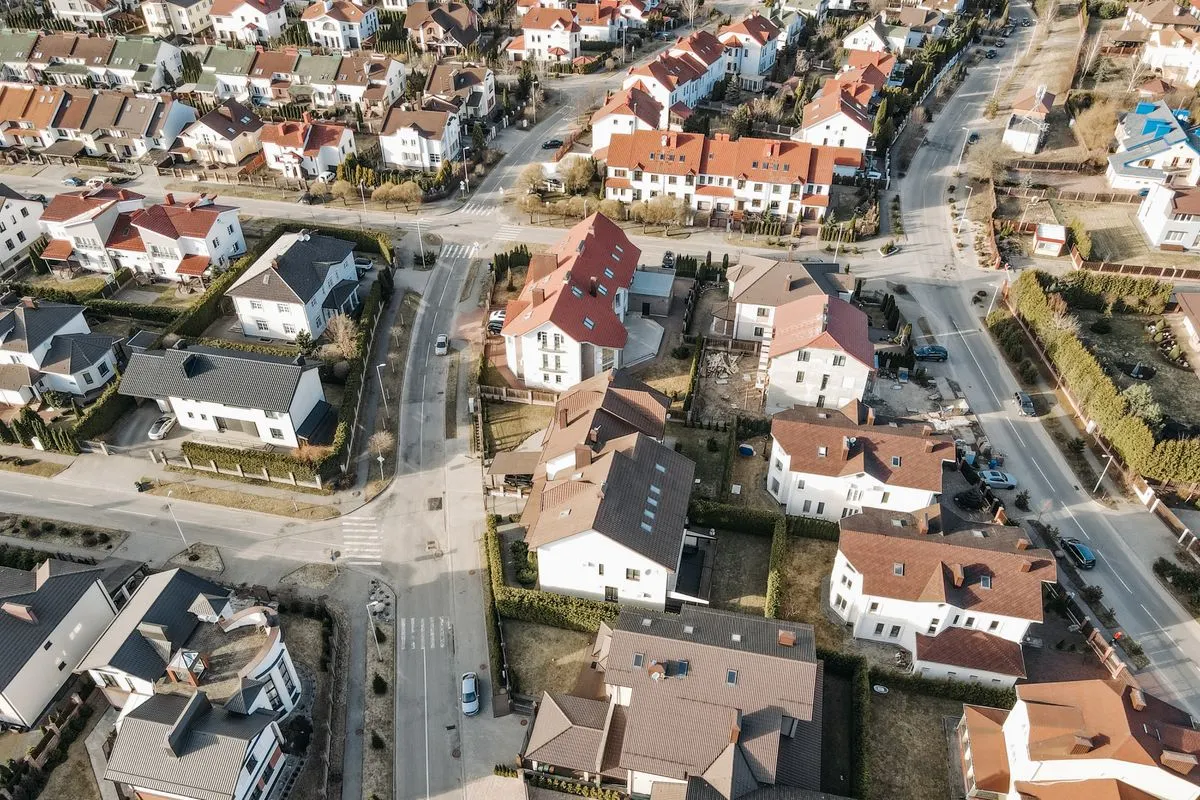
Most plumbing companies serve more than one city, and many want to rank in all of them. The temptation is to clone one page dozens of times, swap the city name, and hope for the best. Google has a name for that: doorway pages, which its spam policies treat as a violation. Done well, though, service area SEO can win real visibility. This guide shows how.
Why location page cloning fails
A typical spammy page repeats the same paragraphs, changes only the city name, and offers nothing a homeowner couldn’t find on every other page. Google’s spam policies describe doorway pages as pages built to rank for specific searches that lead users to a similar destination. They offer little unique value, so they’re risky and often perform poorly over time. Searchers don’t trust them either.
Start with honest geography
Before creating pages, sort your territory into three groups:
- 1. Core areas: where your office, trucks, and most customers are located
- 2. Secondary areas: nearby cities and neighborhoods you serve regularly
- 3. Stretch areas: places you’ll serve for the right job but where you aren’t a natural fit
Build your strongest pages for the core, add quality pages for secondary areas, and avoid building pages for places you don’t want to serve.
The hub-and-spoke structure
A clean structure helps both users and search engines:
- Hub: A main service area page that lists the communities you serve and links to each city page
- Spokes: Individual city pages, each with genuinely local content
- Service pages: Core pages such as drain cleaning, water heater repair, and sewer line services that link to relevant city pages and vice versa
Use clear internal links and descriptive anchor text so people and crawlers can move naturally between related pages.
What makes a city page worth ranking
A city page earns its place when it contains information that couldn’t be copied to another city. Include:
- Local details: neighborhoods you serve, common housing types, and plumbing issues typical for the area, such as older pipe materials or water conditions, only where you can speak accurately from experience
- Real work: photos and short case notes from jobs in that city
- Real people: the technicians who serve the area
- Local trust signals: reviews from customers in that city, with permission, and any local licenses or permits relevant to the area
- Clear service details: what you offer there, response expectations you can honestly meet, and how to book
- Local contact options: the right phone number, form, and calls to action
If you can’t produce at least a few distinctive paragraphs of real local value, consider a combined page for nearby communities instead.
Match pages to Google Business Profile reality
Your website and your profile should tell the same story. Google lets service-area businesses list areas they serve, though it limits how many. Keep that list focused and consistent with your site. Only create additional profiles for locations that truly qualify, meaning a staffed, physical presence under Google’s guidelines. Fake addresses and virtual offices risk suspension.
Support city pages with local signals
Pages alone won’t do the job. Build prominence in each area by:
- Earning reviews from customers across your service areas
- Sponsoring or partnering with local organizations that can link to you
- Publishing locally useful content, such as seasonal plumbing tips tied to local conditions
- Keeping directory listings accurate
Add structured data carefully
Structured data such as LocalBusiness markup can help search engines understand your business, including the areas you serve. Make sure it matches visible page content. Structured data helps with understanding; it isn’t a ranking shortcut.
Set honest expectations about proximity
Distance is a core part of local rankings, as Google itself notes. A city page can help you appear for organic searches in that city, but Map Pack results lean heavily toward businesses near the searcher. If your office is 25 miles away, don’t expect to dominate the pack there. Combine strong city pages with reviews, local links, and, where it makes sense, LSAs to cover those areas.
A simple rollout plan
- 1. Choose three to five priority cities.
- 2. Gather real photos, reviews, and job notes for each.
- 3. Write original pages that serve actual customer questions.
- 4. Link them from your hub page and relevant service pages.
- 5. Monitor impressions, calls, and rankings by city.
- 6. Expand only after the first pages perform.
Frequently Asked Questions
How many city pages should I create?
As many as you can support with genuinely useful, distinct content. Quality matters more than volume.
Can I reuse the same text and change the city name?
That approach risks being treated as doorway-style content. Each page should offer unique local value.
Do I need a Google Business Profile in every city?
Only if you have a staffed, physical location there that meets Google’s guidelines. Otherwise, use your service-area settings and strong city pages.
Will a city page help me rank in the Map Pack?
It can support your local presence, but Map Pack results depend heavily on distance, relevance, and prominence.
How long does service area SEO take?
Results vary by competition and starting point. Plan for steady progress over months rather than overnight changes.
Jannat Marketing builds service area strategies that expand your reach without the doorway-page risk.
Owner to owner
Let’s find the leak
before buying more leads.
Get a clear look at your LSA and Google Business Profile setup, with practical next steps for your team.
Request your free audit